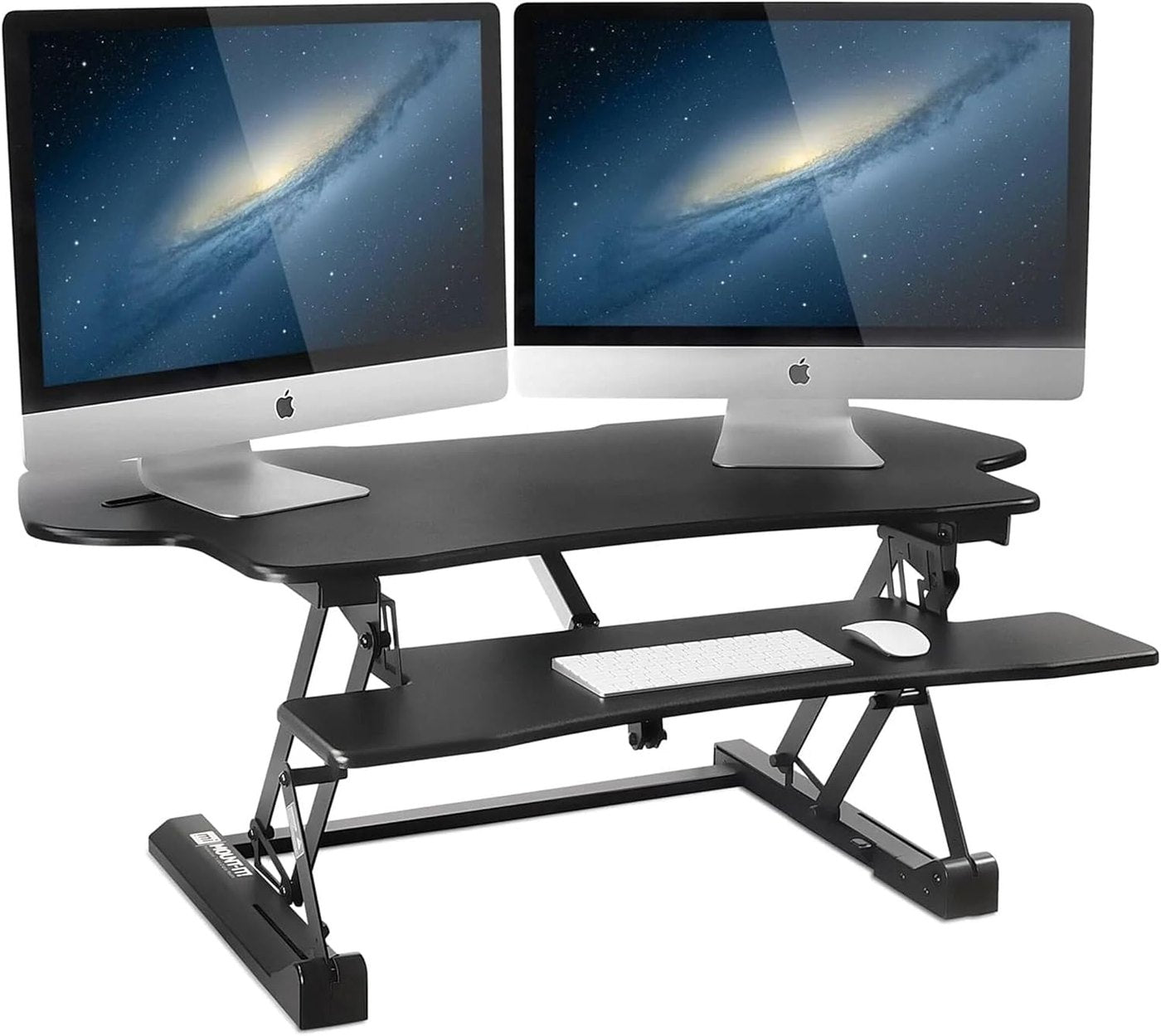
An electric desk riser should match the worker, not just the desktop. Measure elbow height when seated, elbow height when standing, and the monitor sight line before comparing models. A riser that lifts high enough but starts too tall can make seated work awkward, while a low maximum height can still force shoulder tension during standing sessions. Some risers move straight up, while others arc forward as they rise. That movement matters on shallow desks, shared counters, and workstations near walls. Mark the expected footprint with paper before buying so the keyboard, mouse, monitor base, and laptop dock do not collide when the riser changes height. The useful weight rating is the one that covers the actual setup: monitor, laptop, keyboard, mouse, webcam, notepad, and small desk accessories. A riser should not wobble when typing, tapping a touchscreen, or adjusting a monitor arm. Stability protects focus because the desk stops feeling temporary every time the motor moves. Electric lift should feel controlled, not dramatic. Smooth starts, quiet stops, and simple buttons are more valuable than unnecessary features. In shared offices or apartments, motor noise matters during calls and early mornings. Memory presets can help, but only if the riser consistently returns to comfortable heights. A keyboard tray can save space, but it needs enough width for natural shoulder position and enough depth for the mouse. If the tray is cramped, the riser may solve monitor height while creating wrist strain. Buyers should check whether the keyboard platform stays level and whether it leaves room for a wrist rest. Standing movement changes cable needs. Leave service loops for power, HDMI, DisplayPort, USB-C, and charging cables so nothing pulls tight at maximum height. Keep power strips off moving pinch points, and avoid tying every cable into one rigid bundle. A clean setup should still move freely. The best riser will not help if the routine is too aggressive. Start with short standing sessions, alternate posture, and keep comfortable shoes or a mat nearby if needed. The goal is movement variety, not standing all day. Electric adjustment makes that variety easier because changing height becomes a quick reset instead of a chore. A riser may outlast the current laptop or monitor. Choose enough platform depth, a sensible weight margin, and a finish that will not clash with future office changes. Also check how easy it is to clean around the base and whether the mechanism leaves enough flat workspace for paper notes or quick reviews.
Contact the Editorial Desk
Trust and contact information for this electric desk riser support resource.